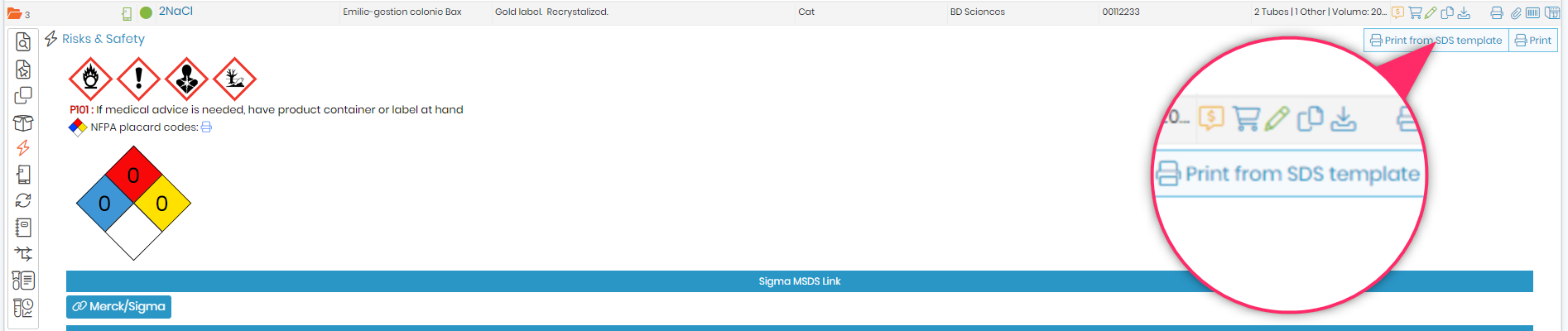
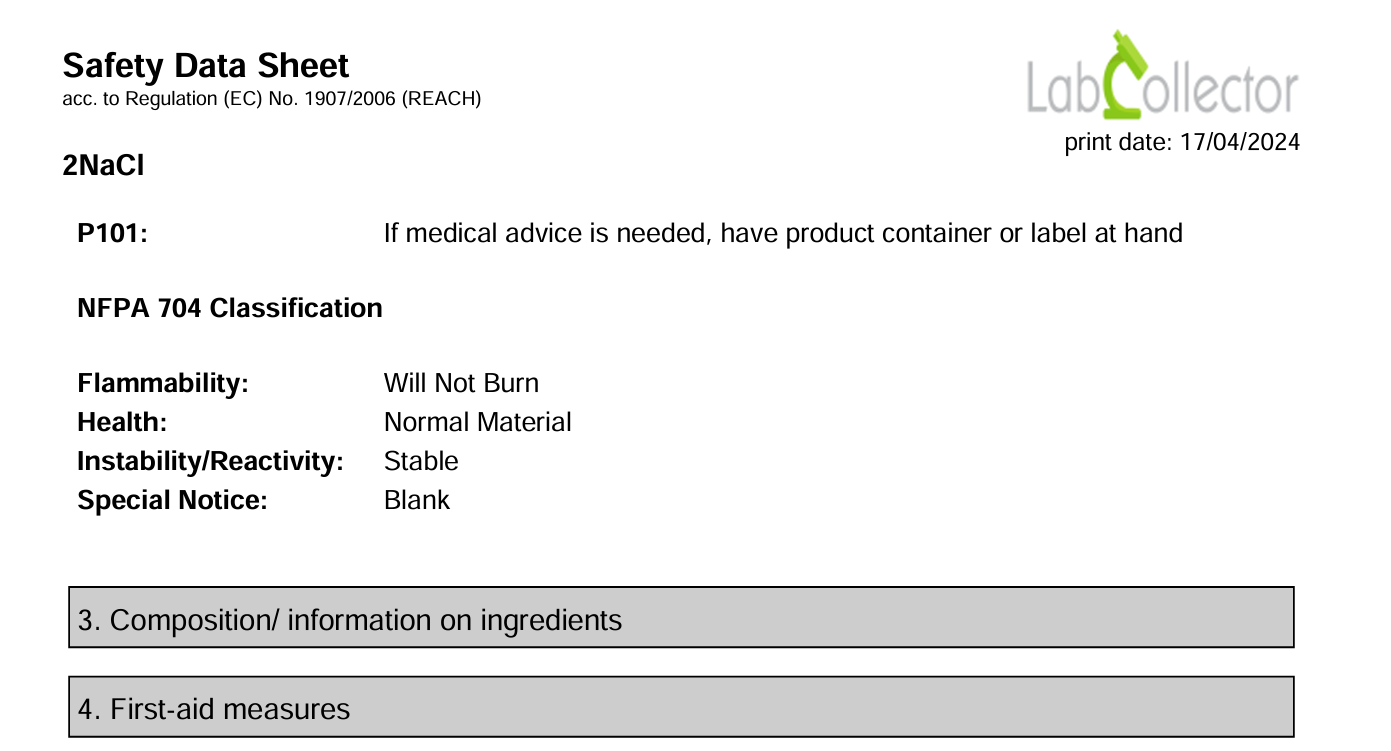
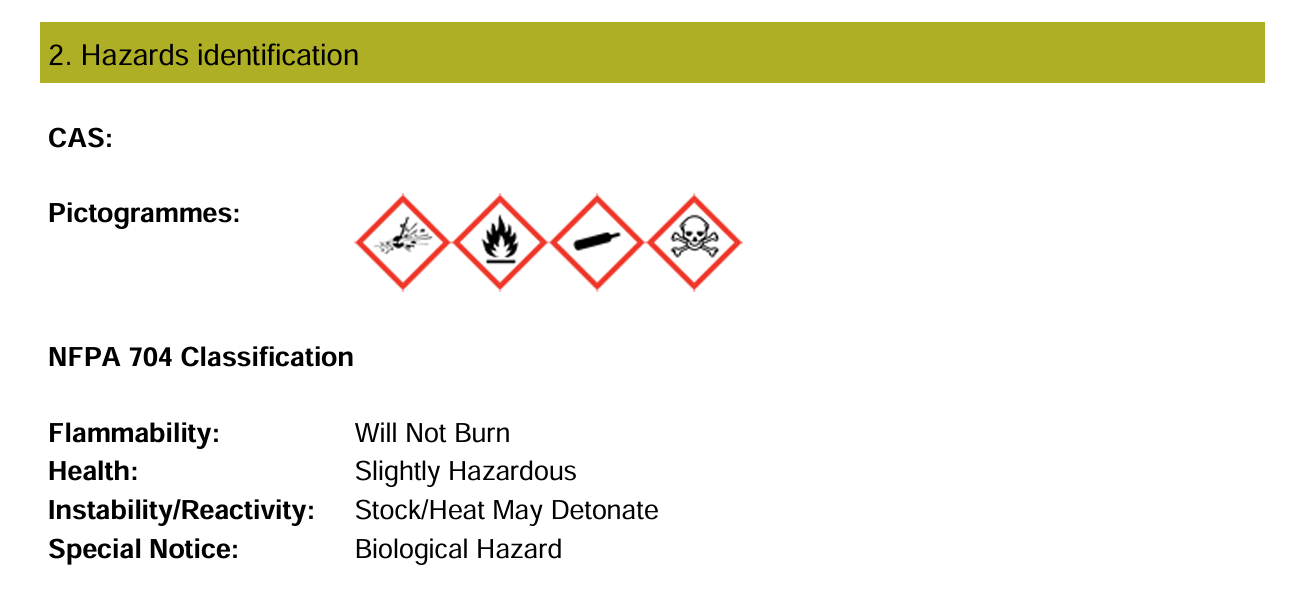
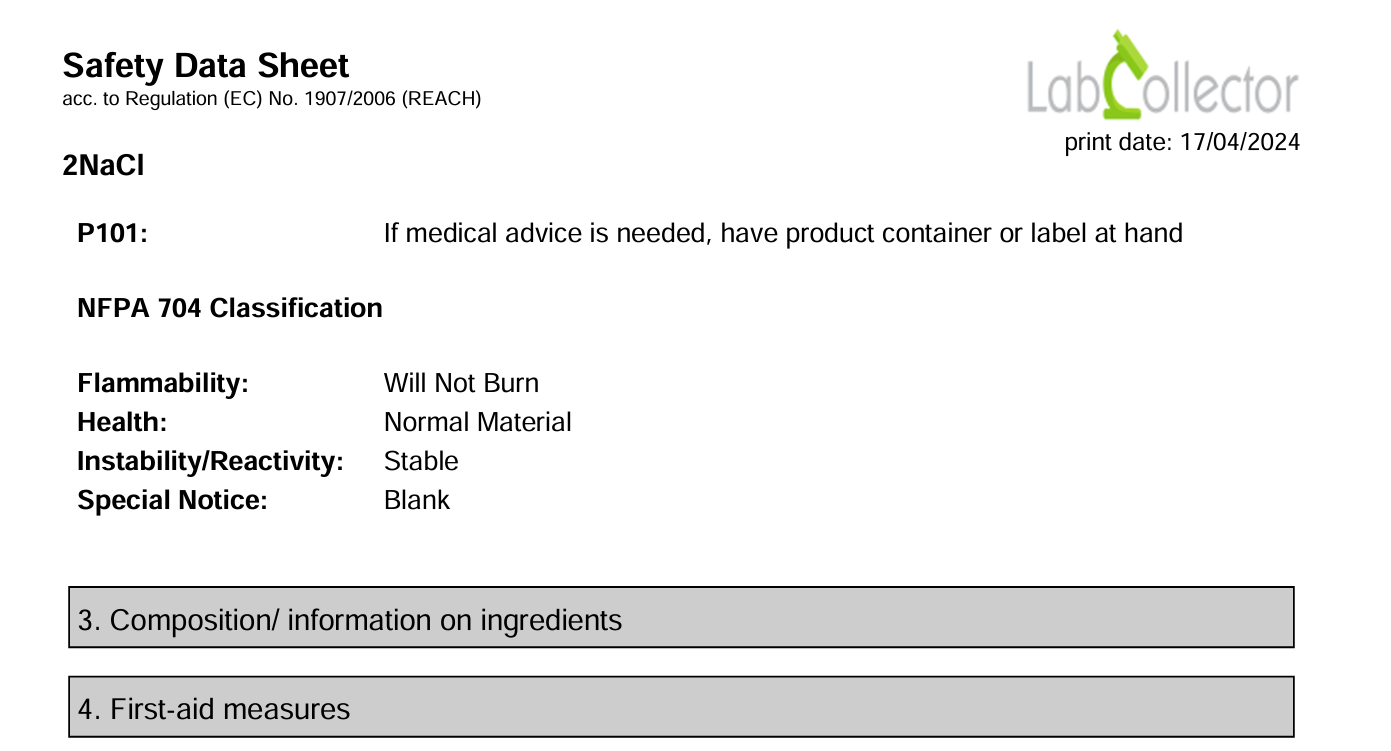
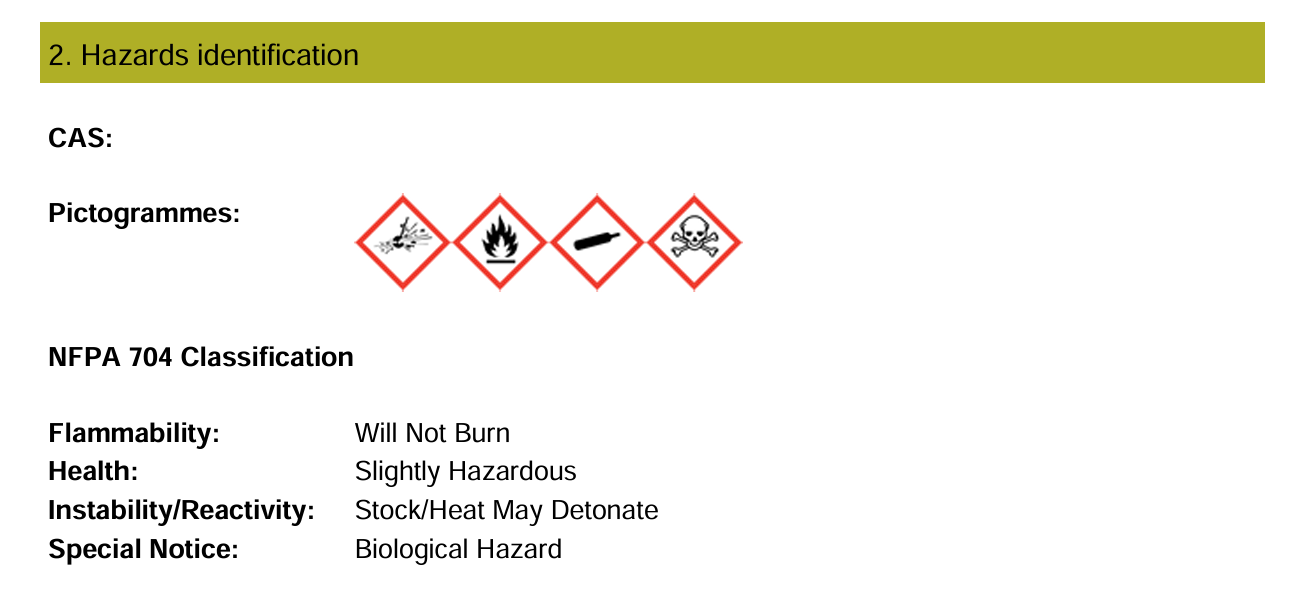
LabCollector10. Tools10.16 SDS Maker 10.16.2 Printing SDS Files To print the SDS files, follow these steps: Navigate to the Reagents and Supplies module. Select the desired record. Go to the "Risks and Safety" tab. Click on "Print from SDS Template". This action will automatically generate a PDF file.