10.15 Manage animal crossings
The user can manage animal crossings in the page located in Tools > Manage Animal Crossing
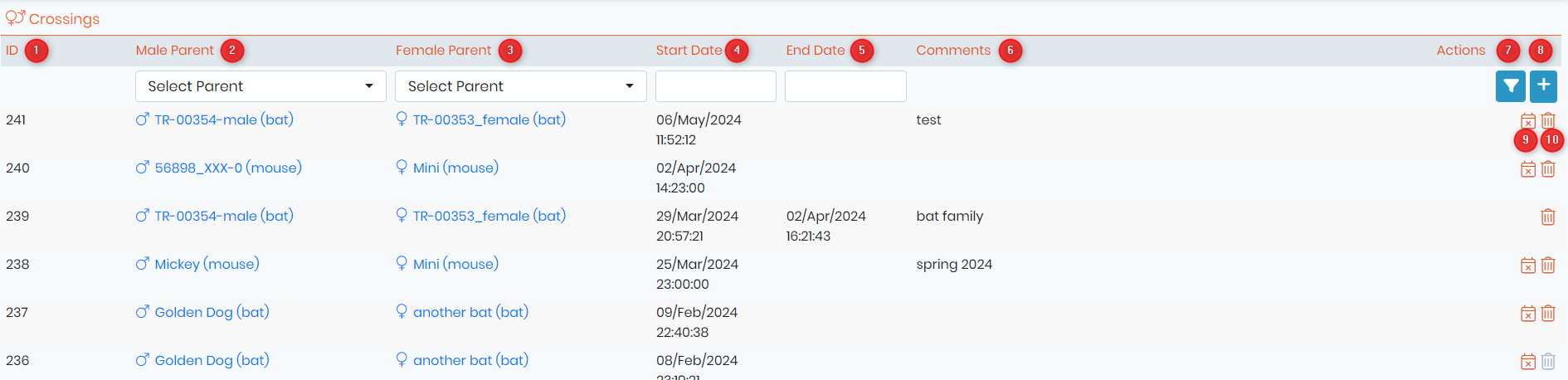
1. ID of the crossing;
2. Name and link to the male parent record;
3. Name and link to the female parent record;
4. Start date and time of the crossing;
5. End date and time of the crossing;
6. Comments of the crossing;
7. Apply a search filter to find a specific crossing based on either the male parent or the female parent, or by specifying the start or end date of the crossing;
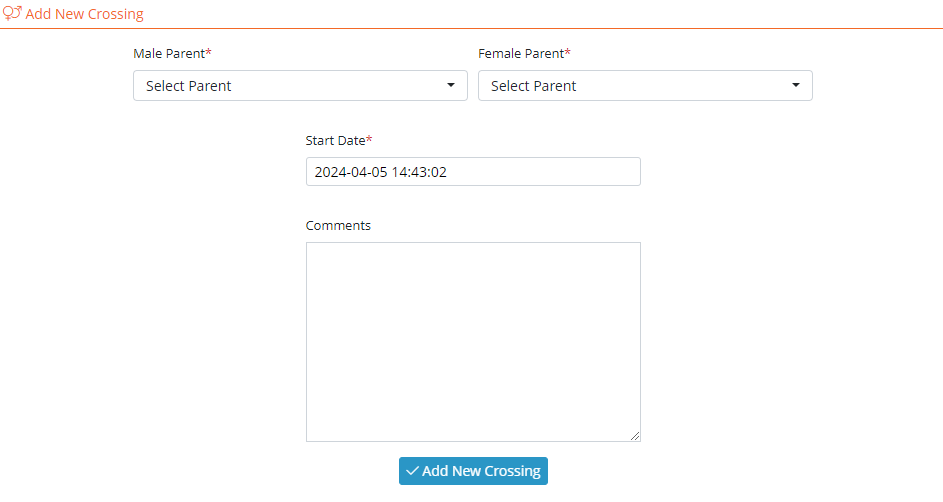
8. Add a new crossing by defining the male and female parent and the start date, comments are not obligatory. The image bellow represents the pop-up that appear when entering a new crossing;
9. End the crossing;
10. Delete the register of the crossing.
New!
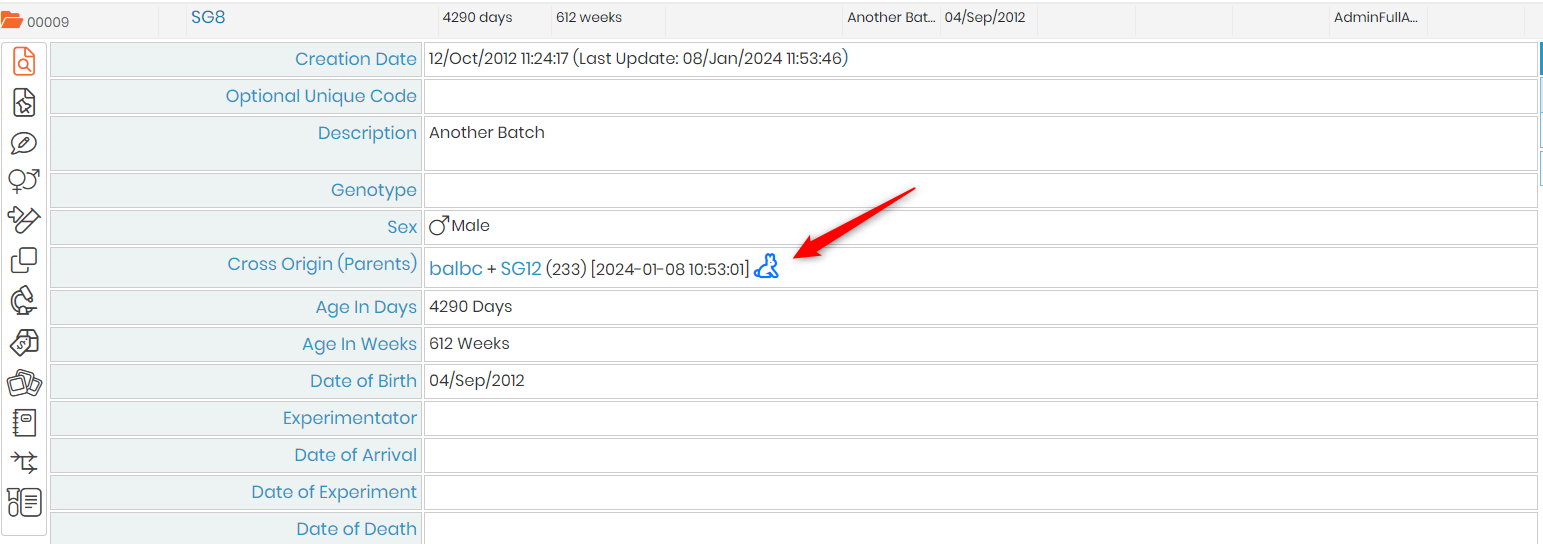
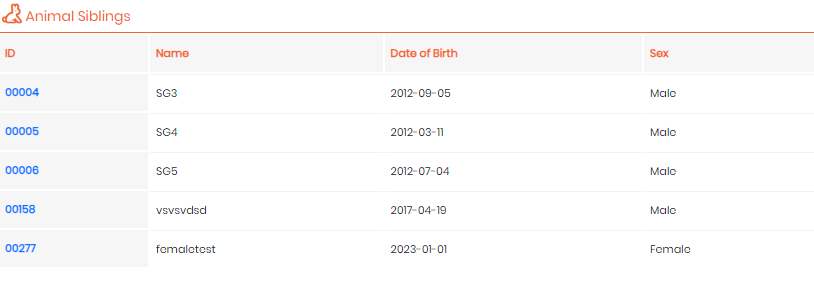
In the animal module, adjacent to the field for cross origin (parents), if this information is filled out, you will see the sibling icon. Clicking it will display all the animal siblings with the same parents.