9.1.3 Put item in the order list
Records from many modules have an ordering icon:

If this icon appears  the item is already in the order list (i.e. ordered). This icon gives a quick visual way to know that the item is waiting for delivery.
 Put item in the order list. If this icon appears without
  this means that item is available.
When you click on the ordering icon you get a pop-up window to define quantity/units, order urgency and suggested budget. Budgets are defined through Preferences 🡪 Reagents & Supplies (see  section 4.12).
If you select a suggested budget, a table opens to display budget details.
You can also add a comment for the people who manage orders.
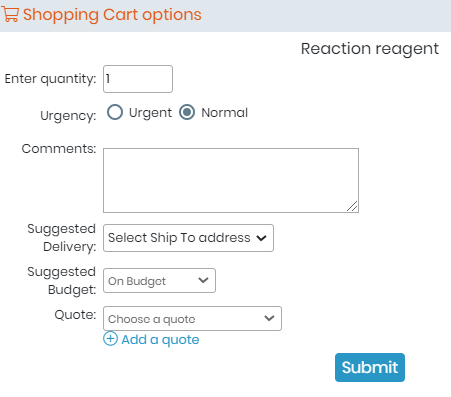
Once validated, the ordering request is entered in the order list.
Clicking on the  icon will take you to the order list. See the following sections for details.