8.9.1 Generic tab links
Links are displayed as tabs below record information fields.
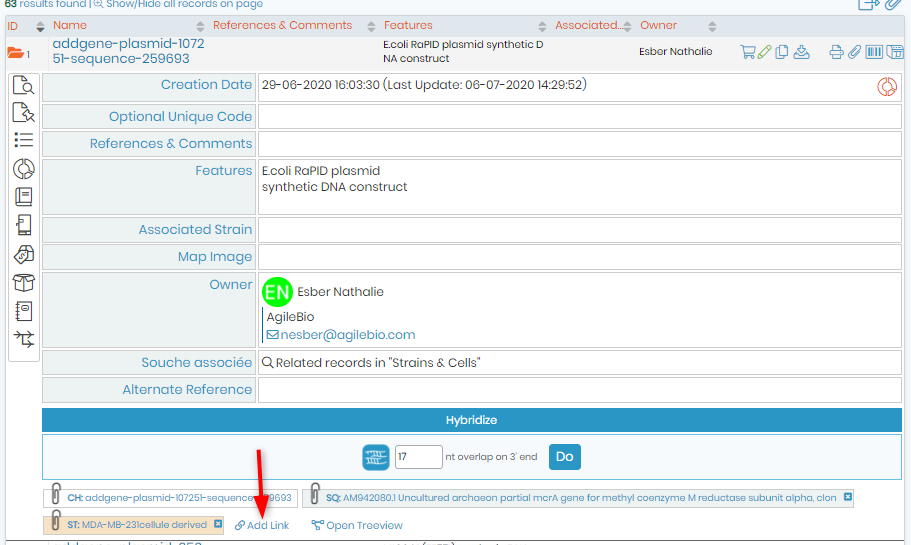
To link records, you can use the linking option Add Link.
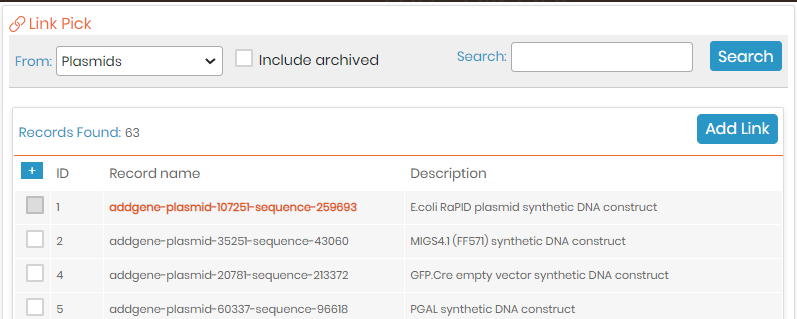
You will get an embedded screen to search for the record to link to. Simply search for the desired record in the appropriate module. A search list will appear for you to check the required record and click “Add link”. The link will be automatically saved.
Links on a record are useful to jump to related records. Just click on the link(s) on a record to see the details of the related record. Click the black cross on the top right to exit record linking.
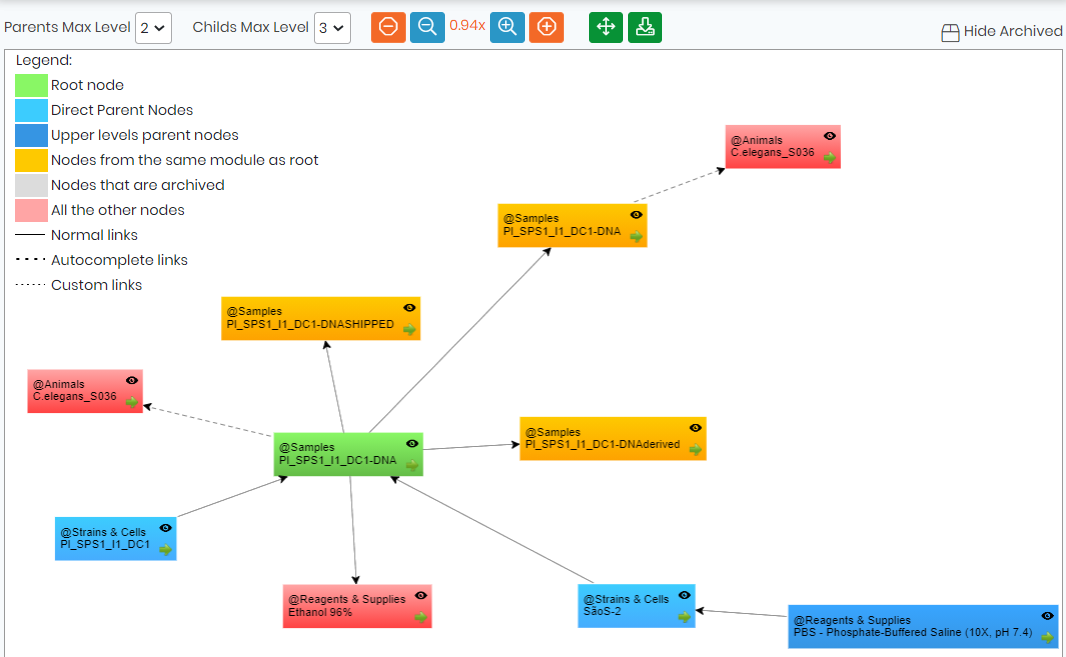
You can see the full record relationship in a tree-like presentation by clicking on the link Open Treeview next to "add link" option.

This will open a popup which can be used to navigate between records and display the relations between records. Single clicking items will open the tree of the selected record. Double clicking will open the selected record.