8.7.2 Storage report
You can also generate a storage report listing all the stored tubes.
Go to Tools 🡪 Storage Browser.
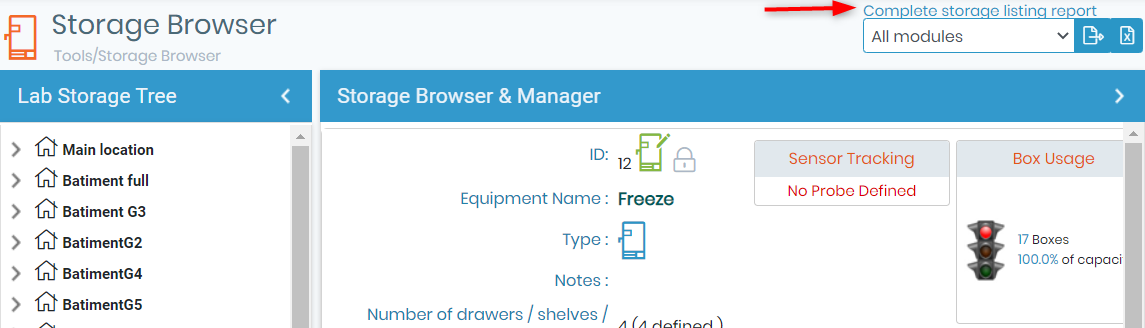
Reports are performed for all modules or one specific module.
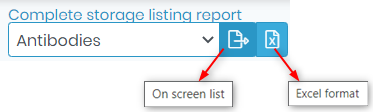
Reports for individual storage equipment can also be made. In the storage browser, select the desired equipment. Then choose the export view as either excel or onscreen.
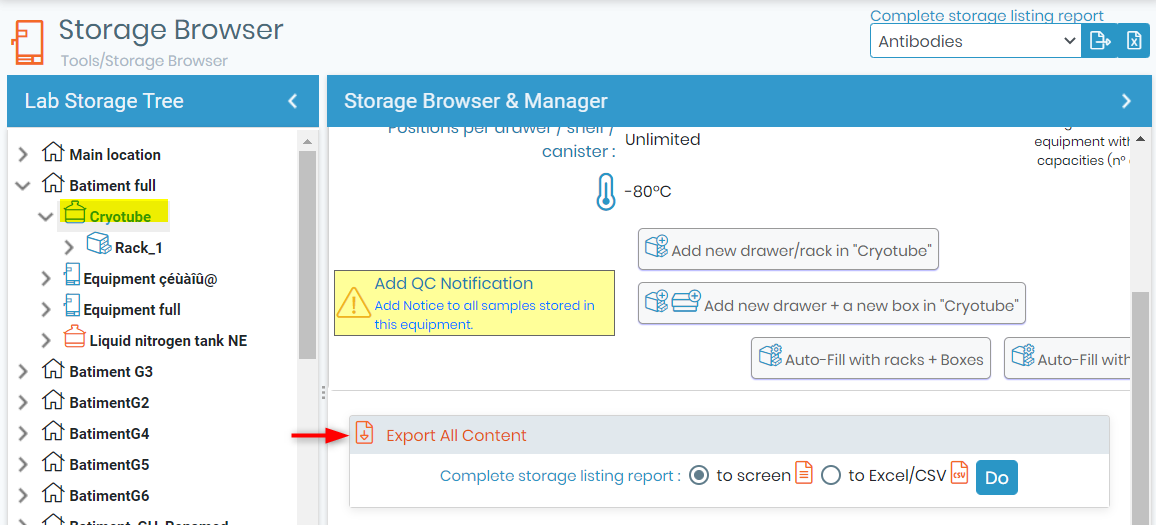
The content of individual storage locations may be exported as well. See the below example image.
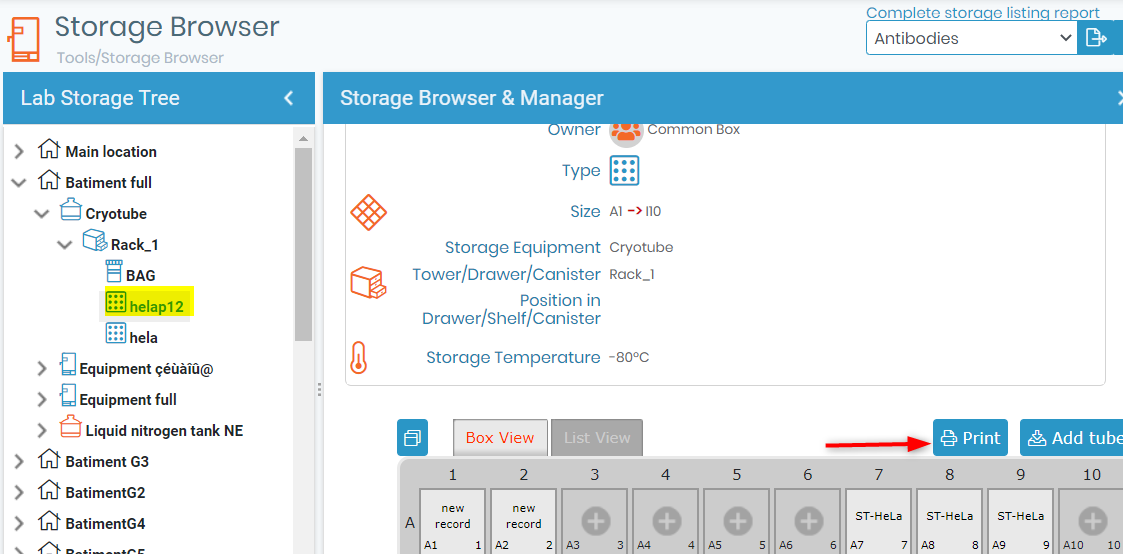
The content of individual storage locations may be exported as well. To do this, use the storage browser to navigate to the desired box/visotube/plate/shelf part. Click the icon and then select the print button.