8.7.1 Export data
If you need to share or print some information stored in LabCollector’s database you can export it. You can export all or specific items, as the export action is linked to the keyword’s search engine. On the top of the search result list, you have a report icon  .
.
You can choose the export format (for all modules: html, CSV, XML, PDF, Excel; Sequences module: GB, FASTA; Plasmids module: GB; Chemical Structures module: SDF), you can also choose the fields that you want to export and their order in your final file.
Moreover, if the super-administrator has created an  section 3.1.7 export model, you can select it from the list.
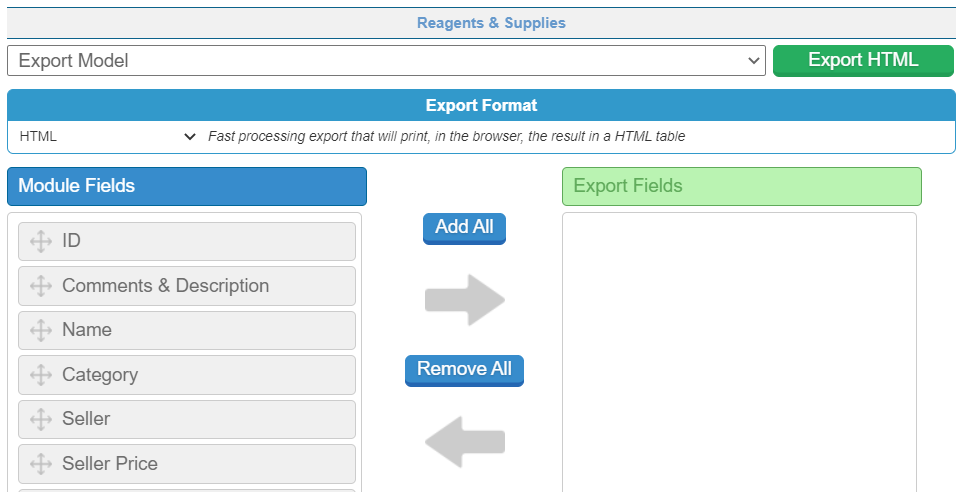
Only the selected fields from the search results will be exported (to export all data, perform a blank search and add all fields).
In the Reagents & Supplies module, the exports include the risk icons and/or phrases.