7.7.3 Import data from GenBank (with annotations)
In the Sequences modules, it’s possible to import files from GenBank (with annotations) to LabCollector database.
Depending on your choice, you can import sequences or plasmids, respectively in the Sequences and Plasmids modules (if you check the box Upload as Plasmid).
Please see our  KB: how to upload sequences in plasmid and sequences module.
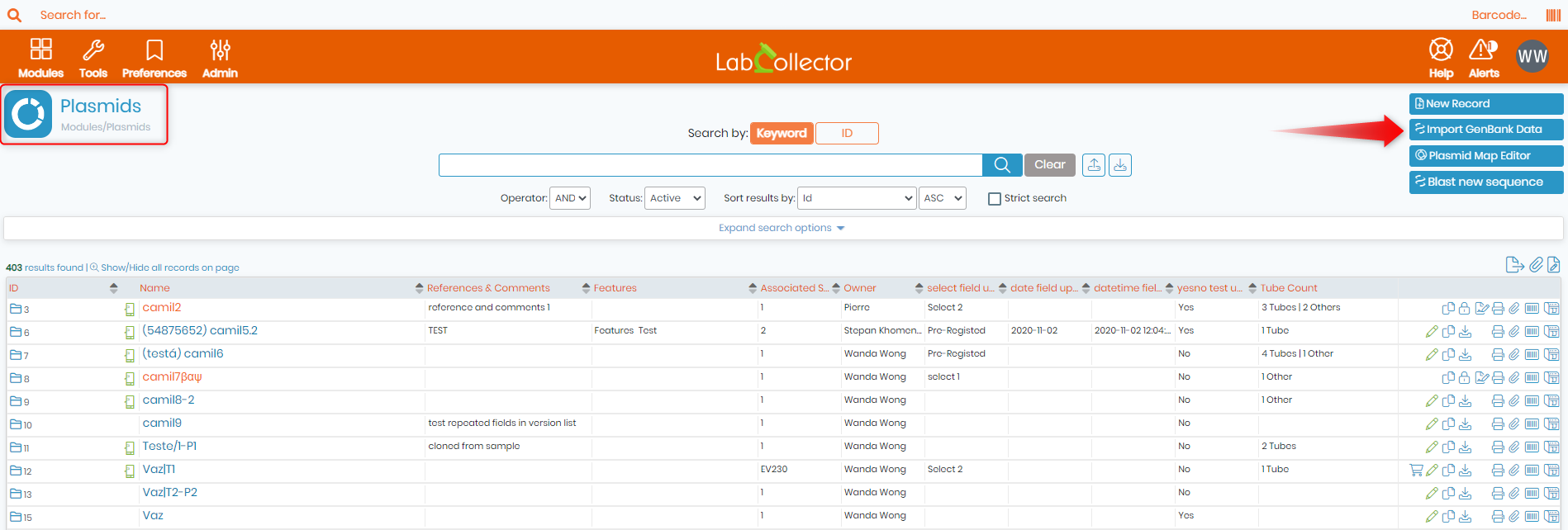
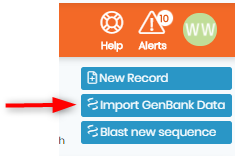
Click on Import GenBank Data at the top right.
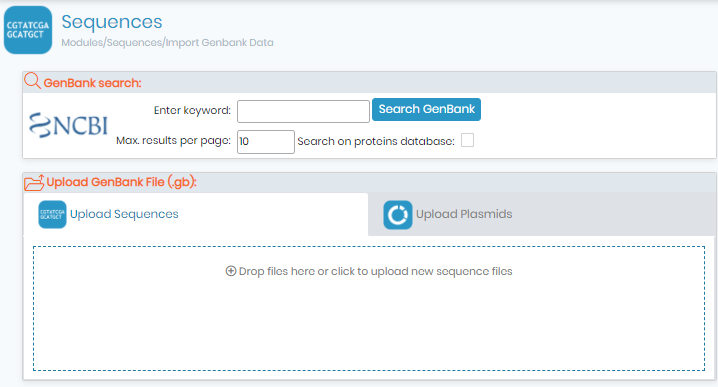
A new window opens:
You can now search a sequence through GenBank and import it into your LabCollector database:
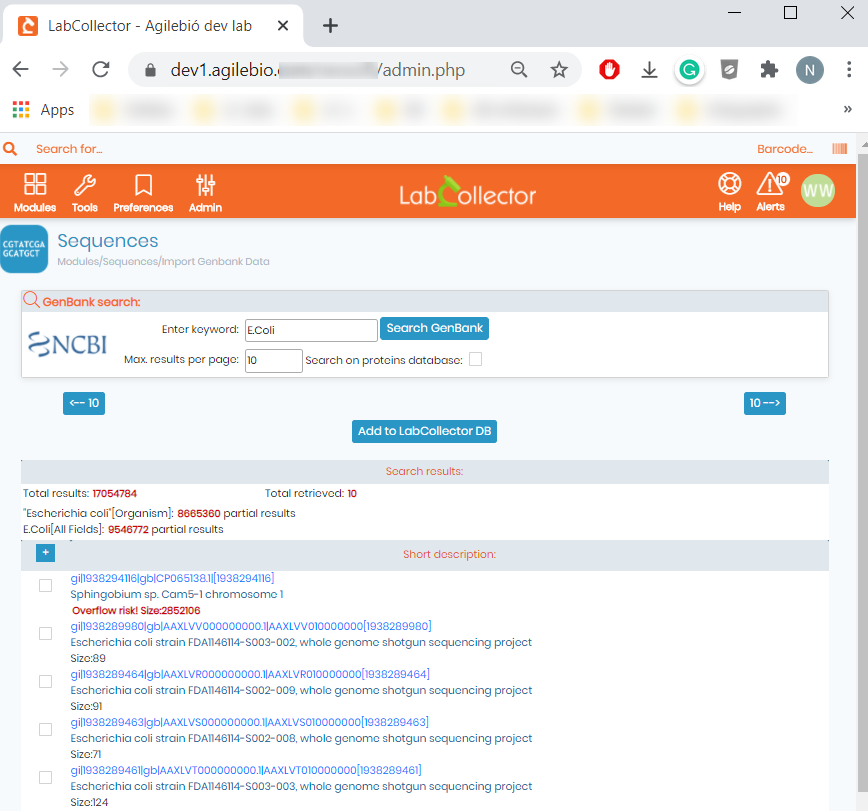
Select sequences that you want to import by checking the box or using the check all button, then click on Add to DB. The box(es) go green which indicates that the sequences are now in your LabCollector database.
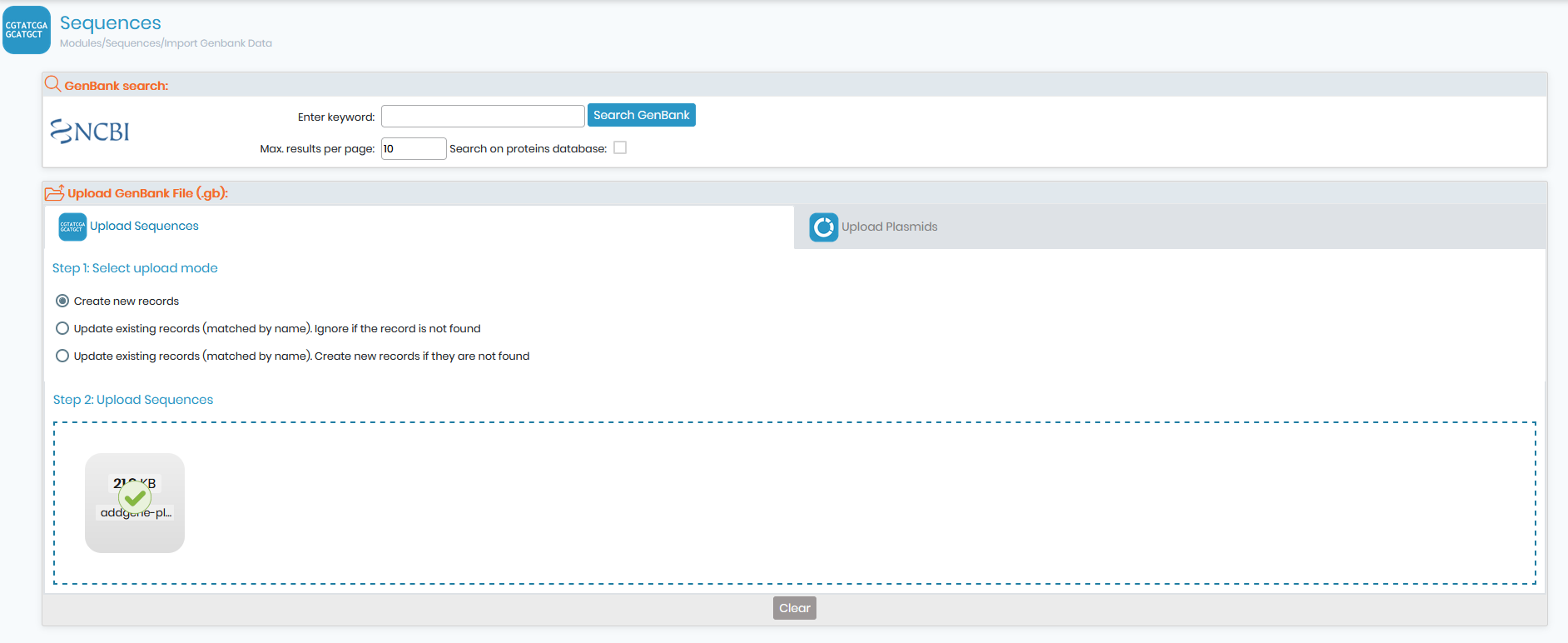
- Import sequences/plasmid by uploading GenBank file
You have three options to choose how to upload the files:
- Create a new record.
- Update existing records (matched by name). Ignore if the record is not found : In this case, if there's already a record in your LC database with the exact same name as the one your are uploading from GenBank, it'll automatically get updated. But if no record was found, nothing happens.
- Update existing records (matched by name). Create new records if they are not found : Contrary to the first option, if no record was found, a new one will be created and added to your database.
After selecting the desired option you can upload the appropriate files (.gb) by clicking on Drop files or click to upload new files and automatically the files will be uploaded in the selected module. The green check confirms the success of the uploading. Repeat this step as many times as you need . Don’t forget to switch to the "Upload Plasmids” mode to import data in Plasmid module.
This application can be very useful if you need to import large amounts of data from GenBank files.
NEW!: It is now possible to perform an NCBI search inside the Plasmids module. Once done, you can then select the plasmid you want and add into your LC database, the plasmid will then get automatically added alongside its map and annotation. (See screenshot below).