7.2 Animal management
The Animals module stores all the information about your animals: sex, age, genotype, genealogy tree, status, storage… Barcode tagging on cages or animals provides easy data retrieval.
You have three options in Animals module:
- To add new animal records click on the top-right link
 . A form will be displayed to enter data according to the module.
  for adding a new crossing between animals. You can read more in our
  KB: how to manage animal crossing.
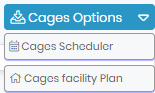
- You now have now the cages options which allows you to schedule the cages for incoming animals and to access the cages facility plan.
|
|
|
Before adding animals through the cage facility plan you need to define animal storage facilities through Admin 🡪 Preferences 🡪 Animals options. For more information, see the |


The Cages Facility Plan allows you to see the cages in the respective room.
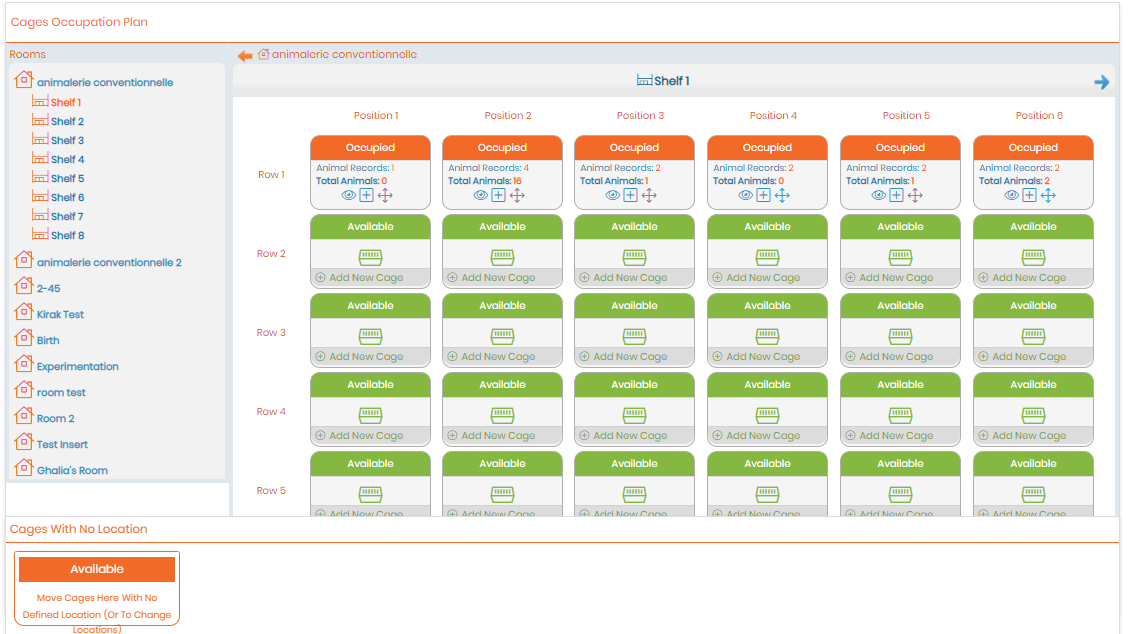
The occupation plan shows the number of animal records contained in each cage and the total number of animals and the free locations.
By clicking on  , you can display all the records in the cage in a new browser tab.
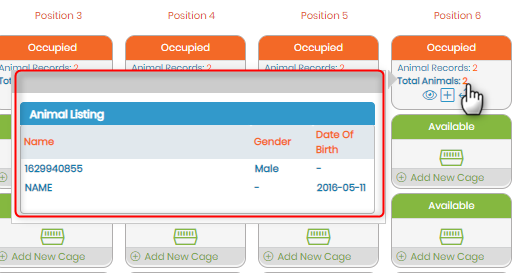
Hovering the mouse over the number of animals will provide the animal listing for that cage.
You can also easily move cages between rows, shelves and rooms by drag and drop. Clicking the  icon will memorize a selection of the animals in one cage and allow movement to any other cage. This can be useful for organizing or consolidating animals into a different group of cages.
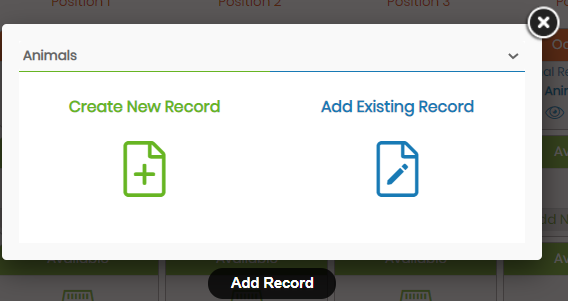
To add a new animal record from this page or to add an existing record you can click the  , which will show you the below pop-up.
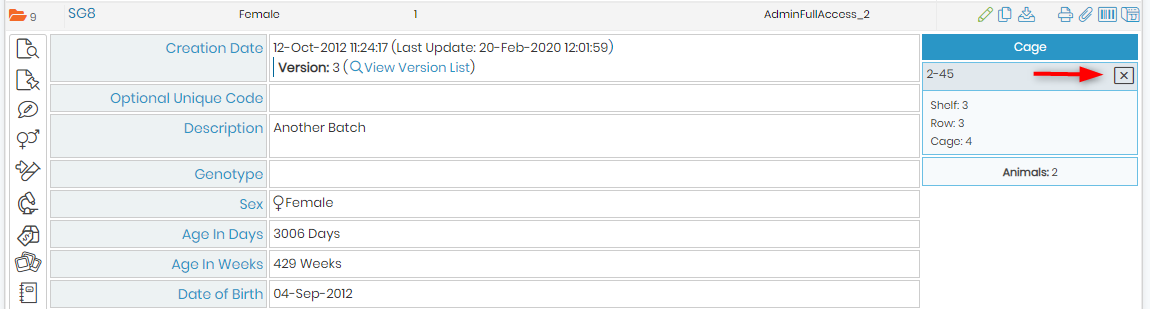
When a record location is defined, it can be removed from the cage. To remove it, click on the cross icon through the records file, a pop-up window appears to confirm cage removal.
The following view of the cage location appears when viewing the record in the Animals module:
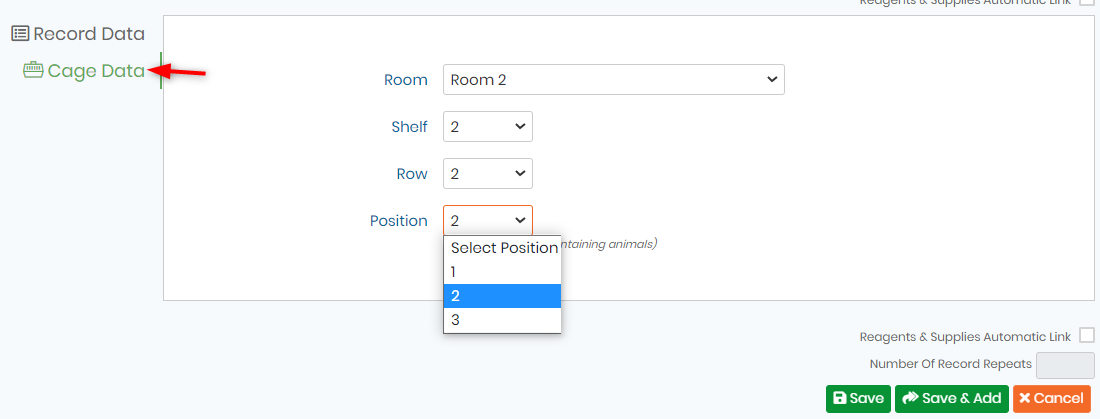
The following view shows the ability to edit or define an animal’s cage from the popup that appears when editing or creating a record.
Also look at our video  online.
New! Now in the Animals module you have the possibility to search for animals filtering by Alive or Dead.

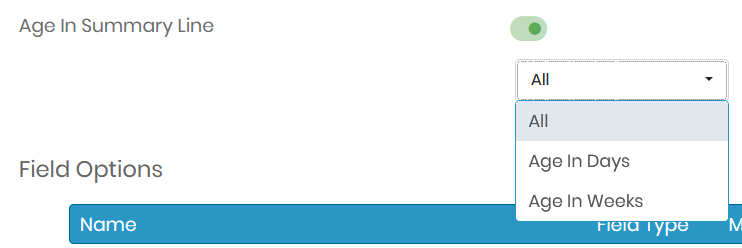
Moreover in the summary line of the records there is the option to show age in days or in weeks. To activate/deactivate this option go to ADMIN -> Default Fields -> Animals