7.2.1 Room Scheduler
 Before using this application, you need to define animal storage facilities like room and shelf characteristics (Admin 🡪 Preferences 🡪 Animals options). For more information, see the
  Section 4.7.
This application is completely independent of the cage’s facility management.
The room scheduler allows users to plan arrival of animals and to schedule cage locations, on the Animal Modules page.
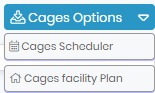
You can access the Cages Scheduler from the cages options and pre-schedule your cage if you know when and how many animal are going to arrive in the near future.
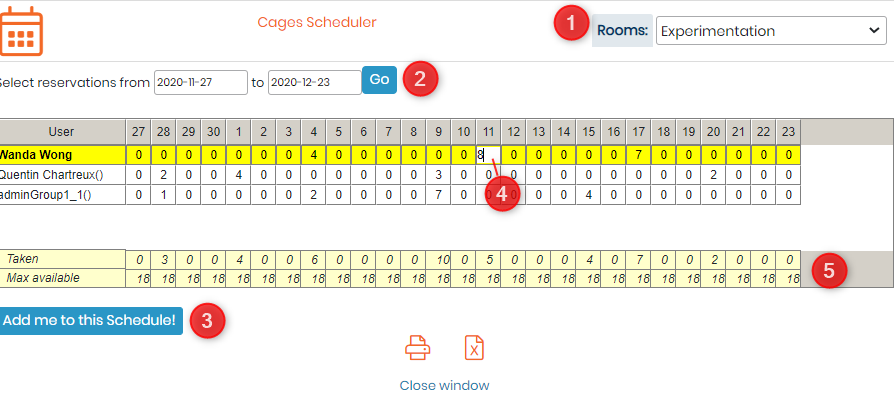
- You can select the "Rooms" from right top corner
- Then select the reservation dates.
- Once you have selected that you can go to "Add me to this scheduler" and your user name will be reflected in bright yellow, like in below image.
- You can double click under the date you want to to add the number of animals that will arrive.
- Down below you can see see the amount of places taken in the given cage at given date and the maximum slots available. Close the window when finished.
|
|
|
Taken = number of locations already reserved Max Available = total number of locations |
