7.10.2 Automatic full backups (with LabCollector Manager)
An easier manual and automatic backup can be done through the Server Manager on Windows platforms.
Open the LabCollector Manager application on the LabCollector server and go to Settings 🡪 Automatic backups.
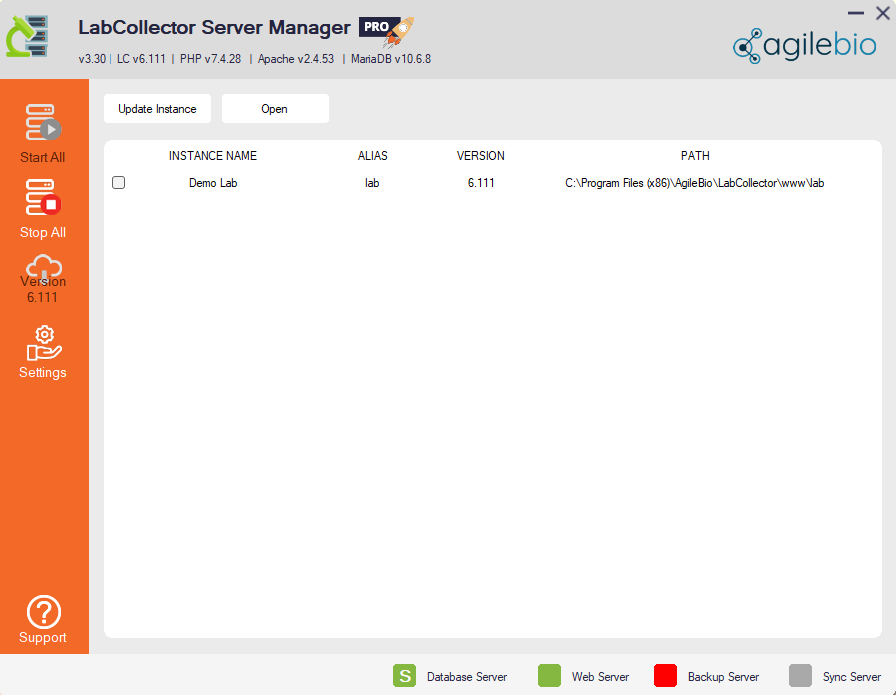
This backup utility will compress the MySQL database folder directly (mysql/data/labcollector) and the “www” folder located in “C:\Program Files\AgileBio\LabCollector” to the destination and with the periodicity defined in the settings.
- Choose the directory for the backup folder
- Choose between short-term or long-term backups or both
- Fill out the form with your requirements
- Click on “Save and close”
Please read our  KB: how to use server manager.
|
|
|
Network backup! With this utility you can backup directly to any storage device over the network. The device must be unprotected (no password). If you must work with a password protected system get in contact with AgileBio to discuss solutions. Recover backup! Compressed backup files from the manager backup utility can be recovered simply by decompressing them and replacing the original folders (www and /mysql/data/labcollector). |
