3.1.4 Rack Scanners
Rack Scanners are used for scanning barcode of the samples for example with the help of Scan Server.
You can read about  KB: LabCollector general setup-4. Rack Scanners.
You can use the Scan Server utility and connect the Rack scanner to LabCollector.
In LabCollector there is a tool called Batch generator, which helps to add data from rack scanners into LabCollector.
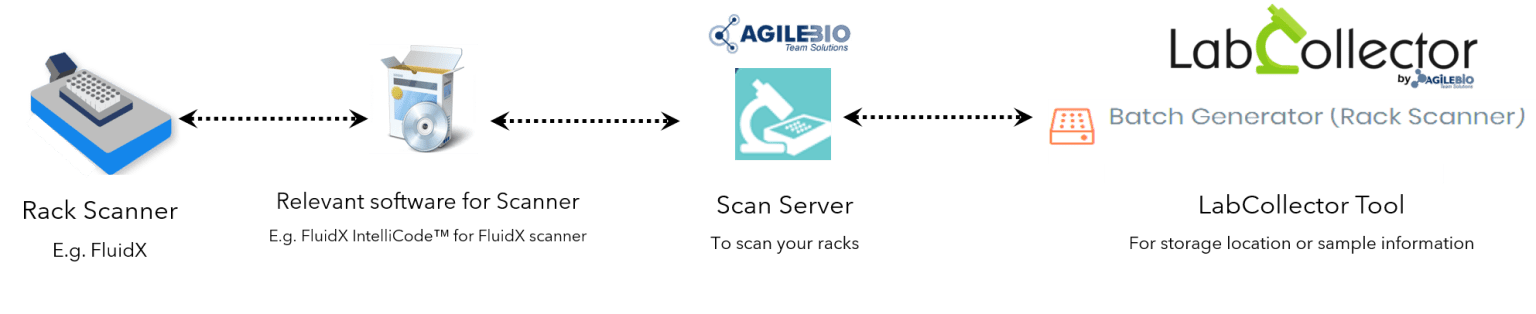
To do this, you need to register Rack scanner with the Batch Generator tool.
Please read the Knowledge Base to understand  KB: how to install Rack scanners and configure Scan Server with LabCollector.

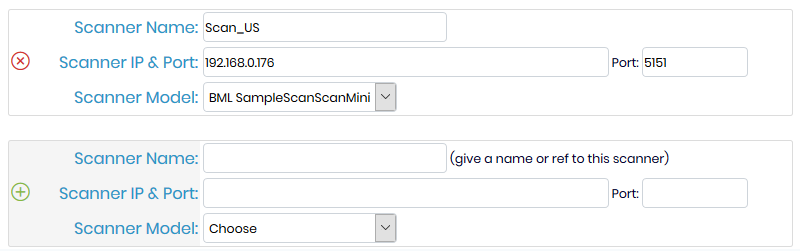
For Sample’s batch tools users, a scanner has to be registered.
You have to fill out the form with the required information. To find the IP address of the PC connected to the scanner, launch the command prompt, type ipconfig/all. The IP number is listed under IPv4 Address. By default, the port is 5151.
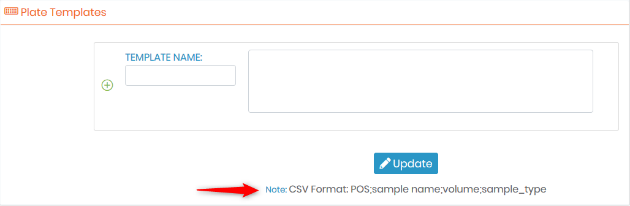
In this section, you can also add plate templates. Upload a CSV file within order: the position in the plate, the sample name, the volume, and the sample type.