If users forgot their passwords, they can click on the “Forgot your password?” link (Sending emails using LabCollector has to be set up, see chapter 3.1.2).
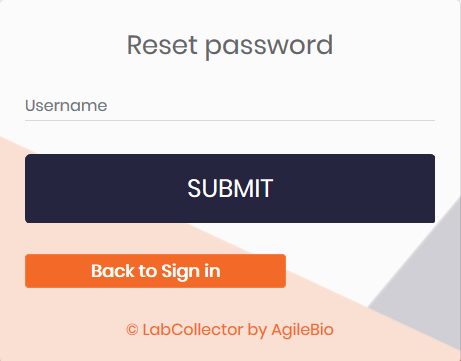
They will be redirected on a dedicated form they have to complete with their username to receive a password reset email.
If the user does not have an email associated with the account (see above), the super administrator must reset the password and deliver the new password to the user.
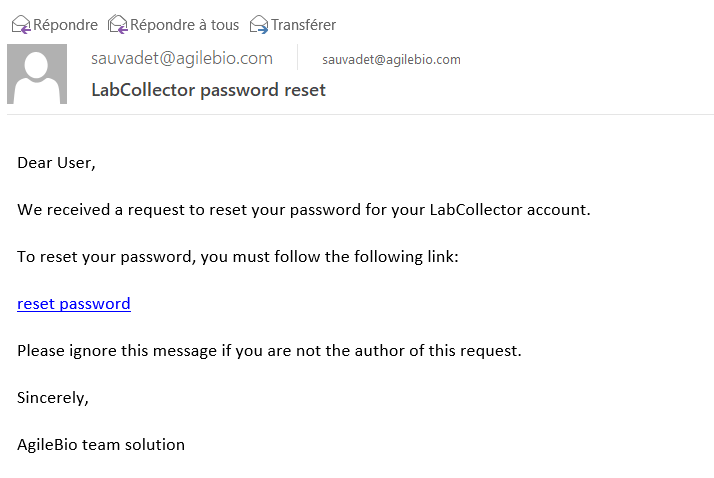
You will receive an email like below at your registered email ID.
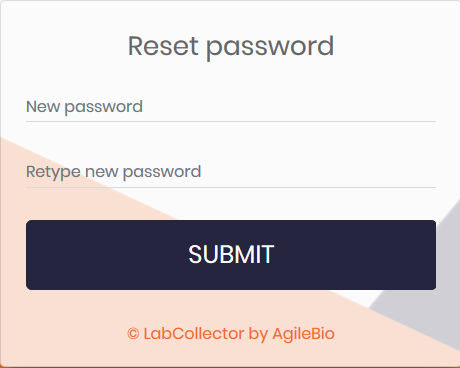
When you click on the reset password link you will be redirected and you will see the below page in our browser.
 chapter 3.1.2).