6.4.6. Photo Editor, Image Upload and PhotoBank
If you want to insert pictures, our advice is to use one of the applets: Photo Editor , add an image
  or the link to PhotoBank
  .
.
- Using the photo editor or
 , the image should follow the upload limits of the ELN (see Chapter 4-2) and should be in a standard format, i.e. .jpeg, .png or .bmap.
 - PhotoBank Add-on allows you to import photos and videos in different formats (Tiff, MP4, etc.) and to insert an image in the ELN with a direct link to the raw photo.
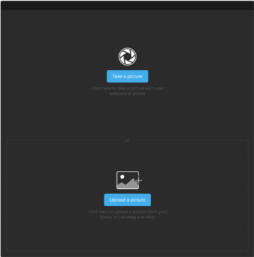
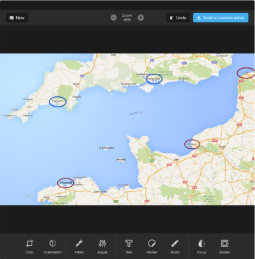
If you want to modify an image before inserting it, you can use the photo editor applet. Thus, you can add legends, text box, arrows, etc. With this applet you can also directly take a picture and insert it in your ELN page.
The stickers (other forms/images that can be inserted on your picture) can be managed through ADMIN > Template > Manage image stickers. You can deselect or select default stickers or add your own images.
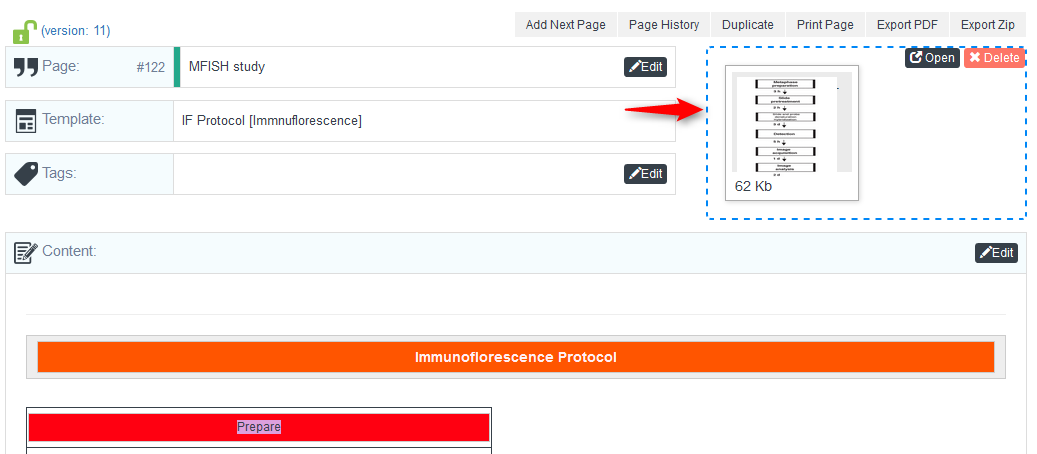
On the ELN page, you also have an image box on the top right, where you can insert an image (only one per page) by drag and drop or use the ELNDocSend, a simple mobile application to scan paper notes and send to your ELN.