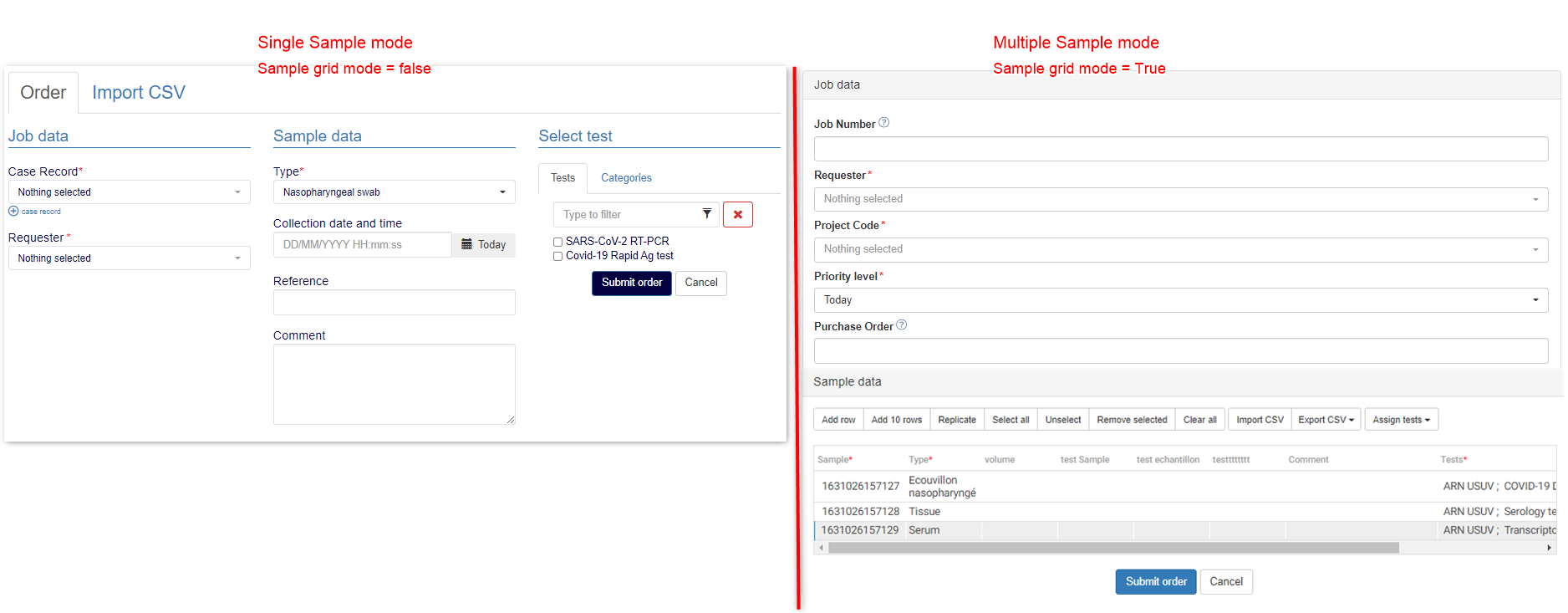
8.2.2 Submit order
Submit order option allows you to create jobs. The fields in the submit order form can be configured witht he help of Config.ini option and using the LSM add-on.
To have more information about how to submit job using LSMRemote please read the knowledgebase  KB: LSMRemote submit job.
You can have a view of submit job depending upon the if you have setting in config.ini for single samples (Sample grid mode = false) or multiple samples (Sample grid mode = false). The main tabs that you will see in both scenarios below are:
- Job data
- Sample data
- Test data
|
|
|
You will only see the "Import CSV" option for the single sample mode. |