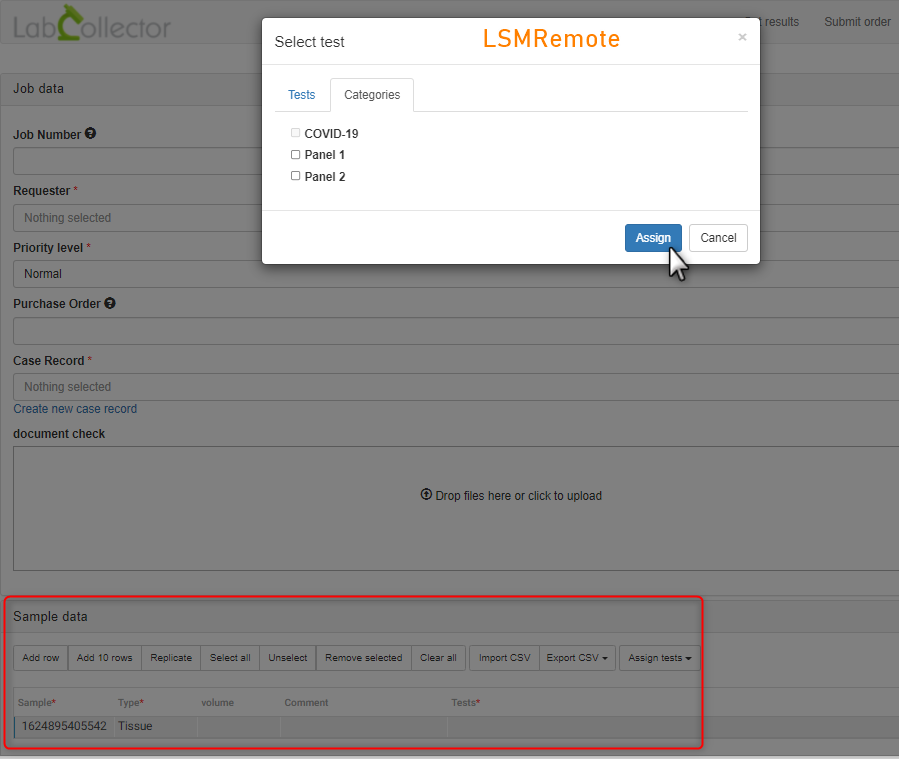
7.3.4.1 Adding Categories/Panels
Tests may be assigned to a category or categories/Panel. This menu allows the assignment of assays to a category (also known as Panels). When submitting a job either individual tests may be selected or categories of tests may be selected.
You can now add or upload the categories easily into the LSM by going to Admin 🡪 Preferences 🡪 Categories. Please refer to  section 3.4.5

The selection appears by sample when submitting a job from the LSM.
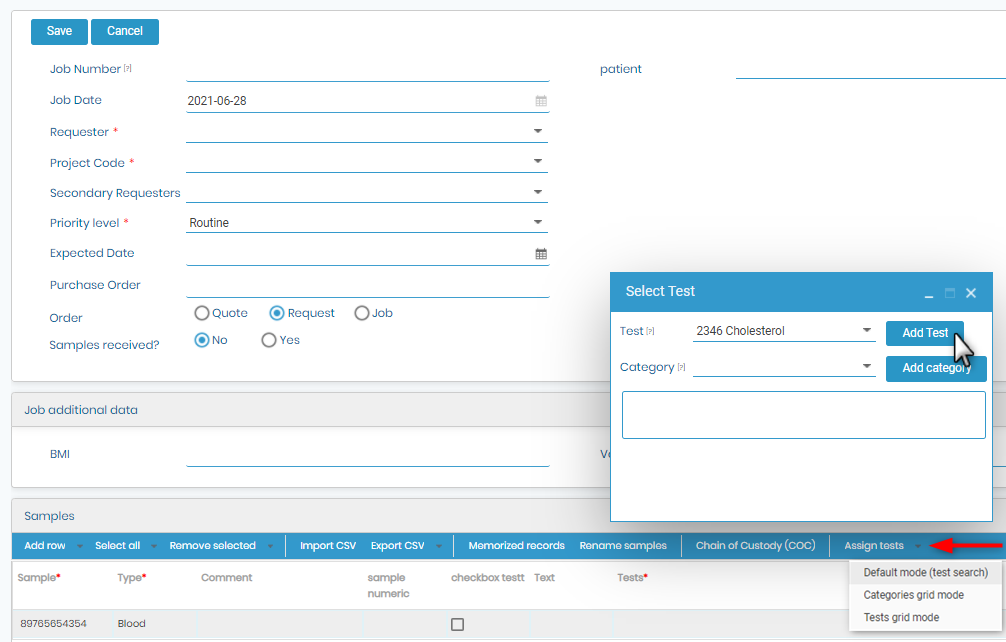

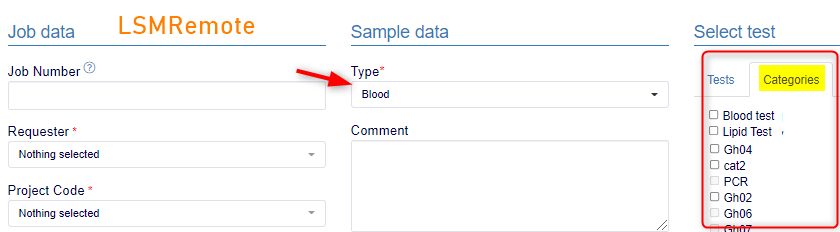
When submitting from LSMRemote there are two choices.
- One is a tick-box on the right hand side.
- The other is a spreadsheet style with an option to upload a csv file.