2.1 First Time access
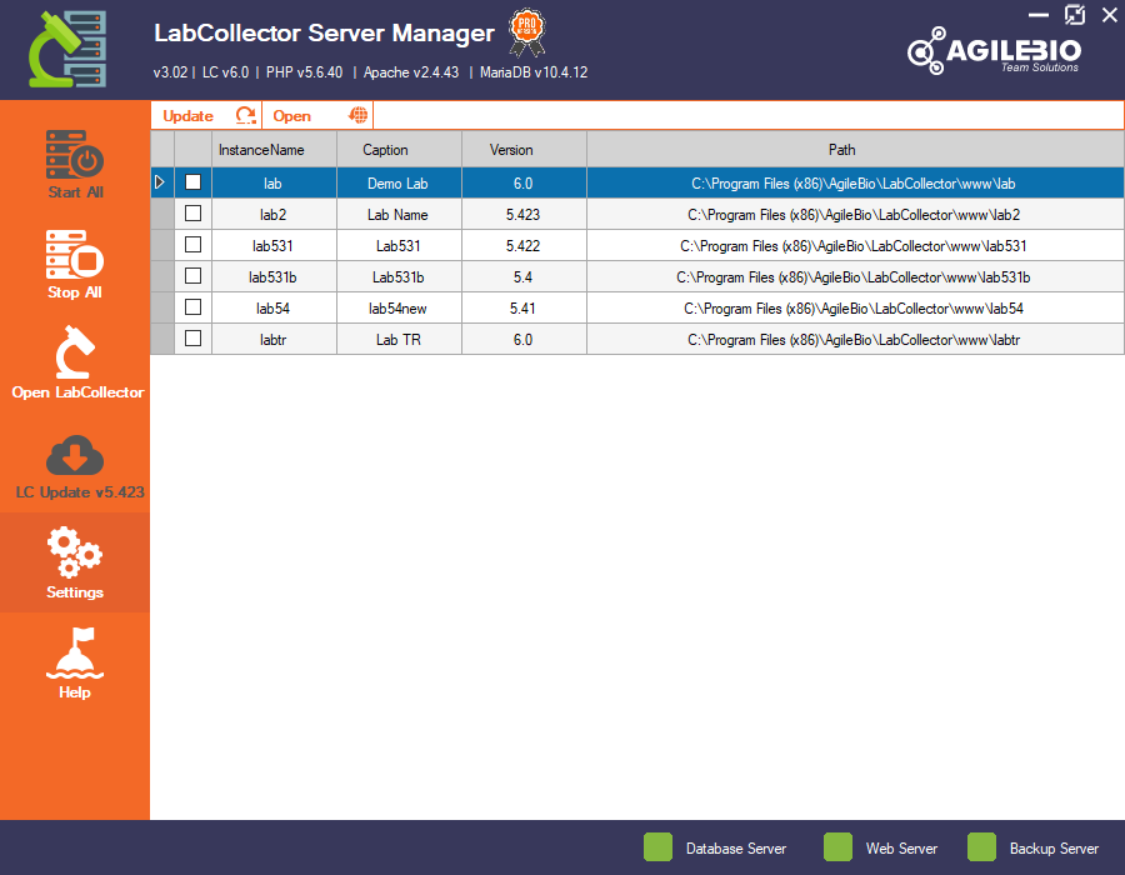
Be aware that on Windows local installations (i.e. not for other OS or hosted by AgileBio) the LabCollector Server manager will be the first part of LabCollector you see. It is also useful for handling updates, backups, and migrating data (For more details, please see the manual under the Help→User Guide section of the LabCollector Server Manager).
You may also access LabCollector in an internet browser with one click from the LabCollector Server Manager.
LabCollector is accessed with a recent Internet browser (Firefox, Chrome, Edge, etc.).
|
|
|
Internet Explorer can be used too but it’s not supported anymore. |

You can also open your LabCollector directly from the browser.
On the LabCollector server, you have to call for example:
- https://localhost or https://127.0.0.1
OR
- https://computer_name or https://computer_IP
On remote computers you have to call the server name or IP address, like:
- https://computer_name or https://computer_IP
For other OS, please see our section  Manuals to find the right installation manual.