10.11 Message center
A simple and practical messaging system allows users to post messages addressed to everybody on the main page.

Users can add new messages by clicking on the  .
.
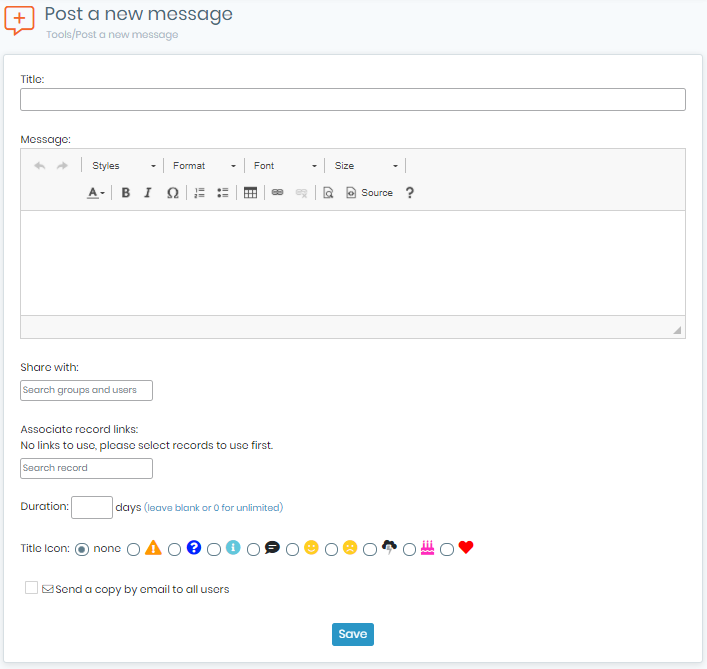
Messages can be formatted as on any word processor. Messages can automatically be removed with a time limit expressed in days. A small icon can be selected to give some extra visibility to the message title on the messages’ list.

Finally, messages can have links to LabCollector records. This can be useful to link to additional information or data commented in the message.
For example, you may want to link to a registration form for a meeting reminder message.
To use this, users must first memorize records (using the memorization icon  on search results) to link before creating a new message.
You may associate an icon to the message to help users understand the intent.
You can also use  icon to browse messages.