6.4.2. Save action and automatic backup
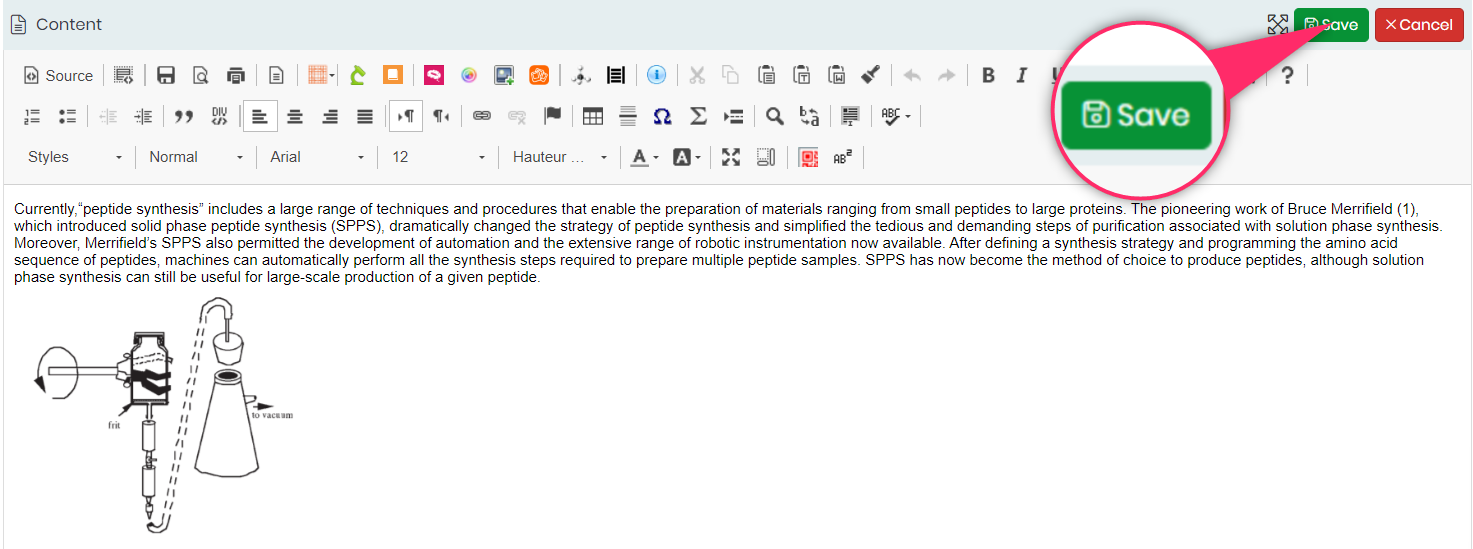
To save the changes, click on the SAVE button, that will make the changes final on the new version of your page.
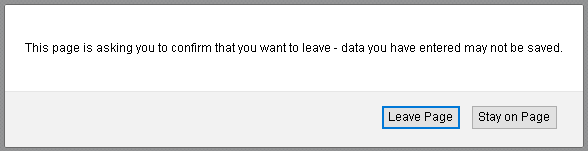
When you are drafting your work and change the page or book without saving your current work, the LabCollector ELN gives you a warning message, allowing you to come back and save your current work.
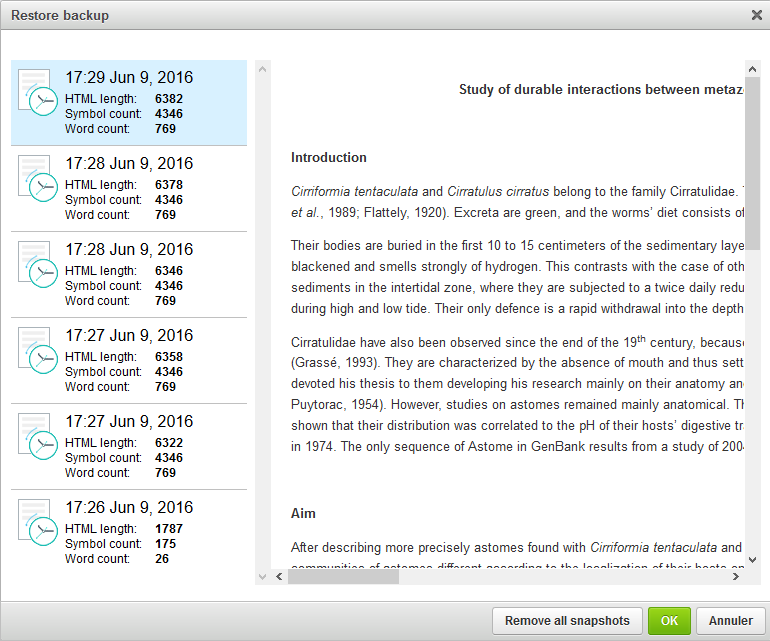
If something happens to your page, there is also an automatic backup (every 30 seconds) and a manual backup that are accessible until you save or cancel your new experiment or page. At the bottom of your text editor, you can find both buttons: to backup now and to restore backup. You can preview saved snapshots before restoring them and removing them.

Then go back to your page, click on the icon restore and select the last version, for example, and you will be able to retrieve the page with the changes you made. Press the SAVE button.